Feature multistream · destinations
Go live on Twitch and YouTube at once
Stream once from OBS and TurboKast sends it to every destination you connect, with each destination's status on the Go live page.
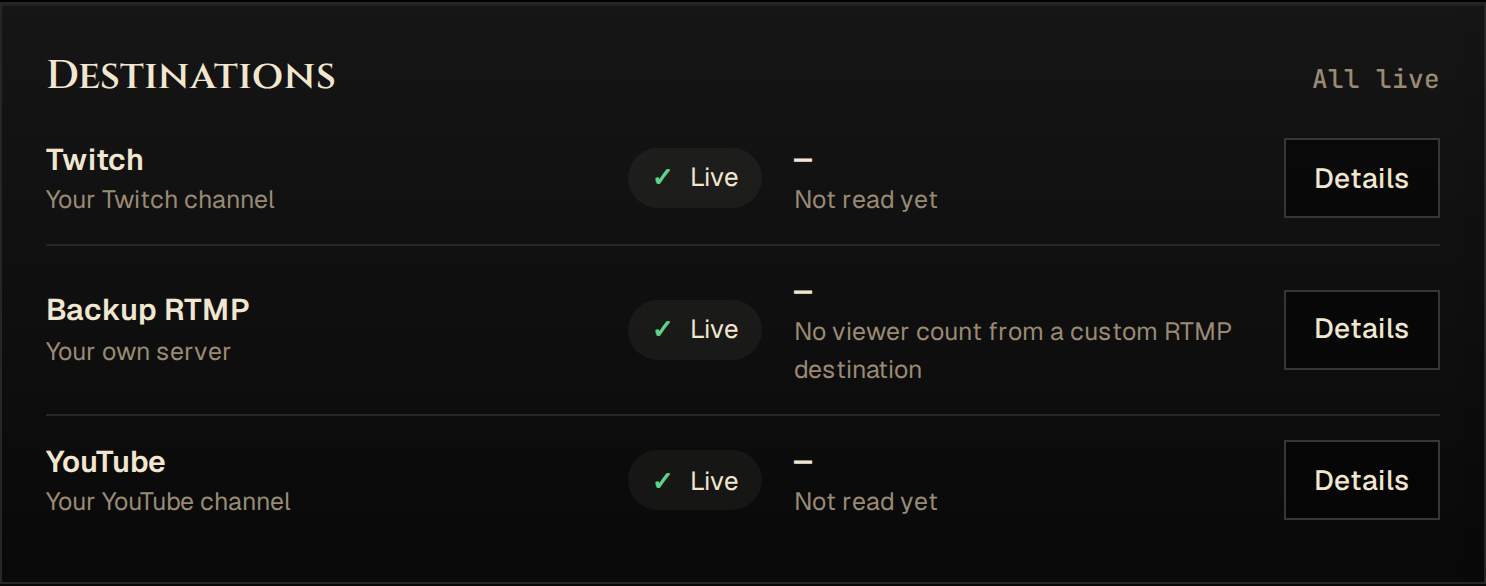
Point OBS at TurboKast once and your stream goes out to Twitch and YouTube at the same time.
What you get
- Connect Twitch and YouTube on the Destinations page. Custom RTMP servers can be added during setup.
- Each destination has its own Stop sending to button inside its Details on the Go live page. Stopping one mid-stream asks you to confirm first, because its viewers are dropped straight away.
- While you’re live, the Destinations panel on the Go live page shows the status of each destination.